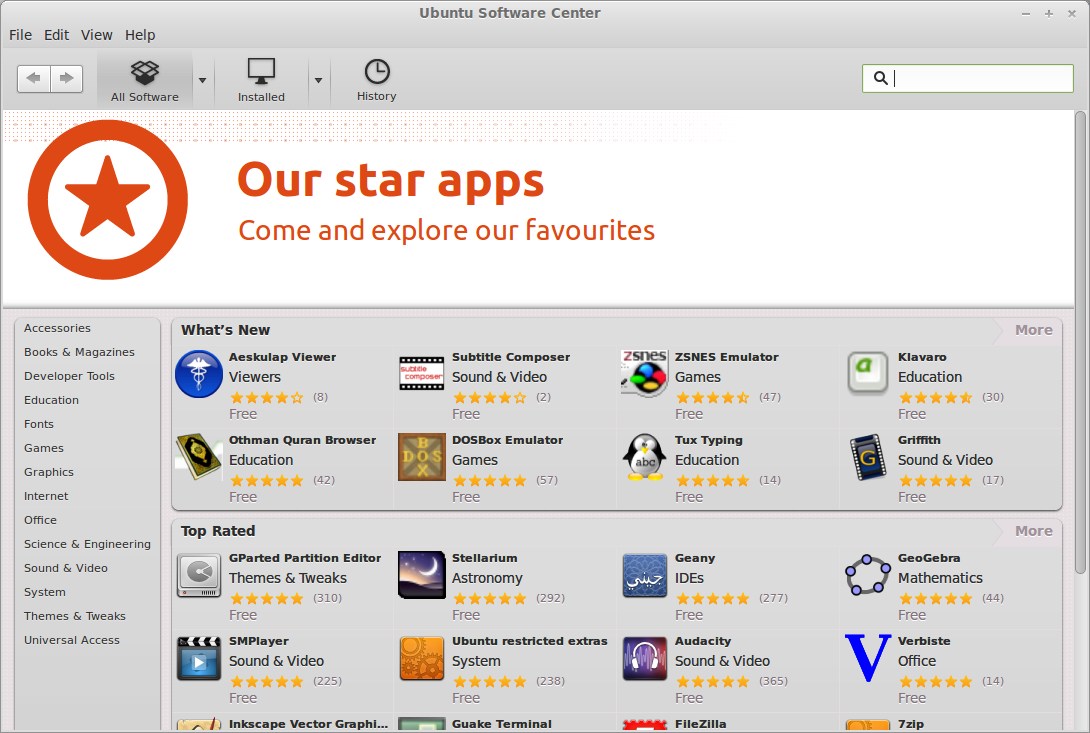
For Applications management, Linux Mint 13 has Software Manager
by default. Synaptic Package Manager is also there, but most beginners
prefer Software Manager (over the synaptic or command line utility).
In Ubuntu, beginners prefer -
Ubuntu Software Center, it’s
easy to use and it has a lot of exciting features. Linux Mint 13 is
based on Ubuntu 12.04 LTS, so most of the ubuntu apps works seamlessly
on Linux Mint. Ubuntu Software Center is also available for Linux Mint,
via the PPA. So if you’re looking for a more user friendly App
management software in Linux Mint, then you should try Ubuntu Software
Center.
Installing Ubuntu Software Center in Linux Mint 13
In Linux Mint 13 (Maya), the software center is already available in
package repository, so it can be installed in one command (without any
external PPA or something, app size is around 12 MB) -
sudo apt-get install software-center
That’s All, now start exploring the
cool Apps in a
cool way